
▣
Your workspace, one click away.
Suite has its own window and place on the Dock or taskbar. Find it and return instantly, even with other applications open.
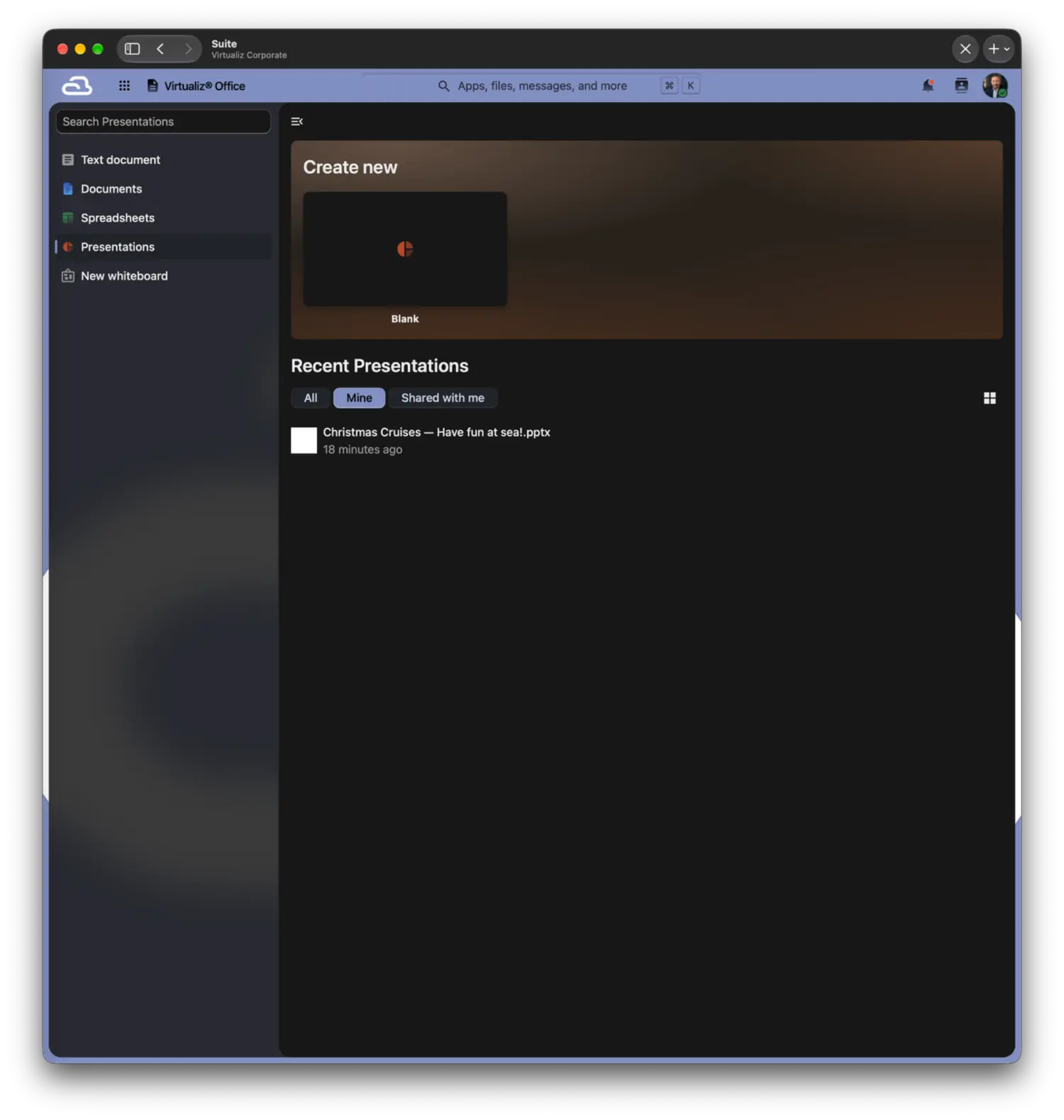
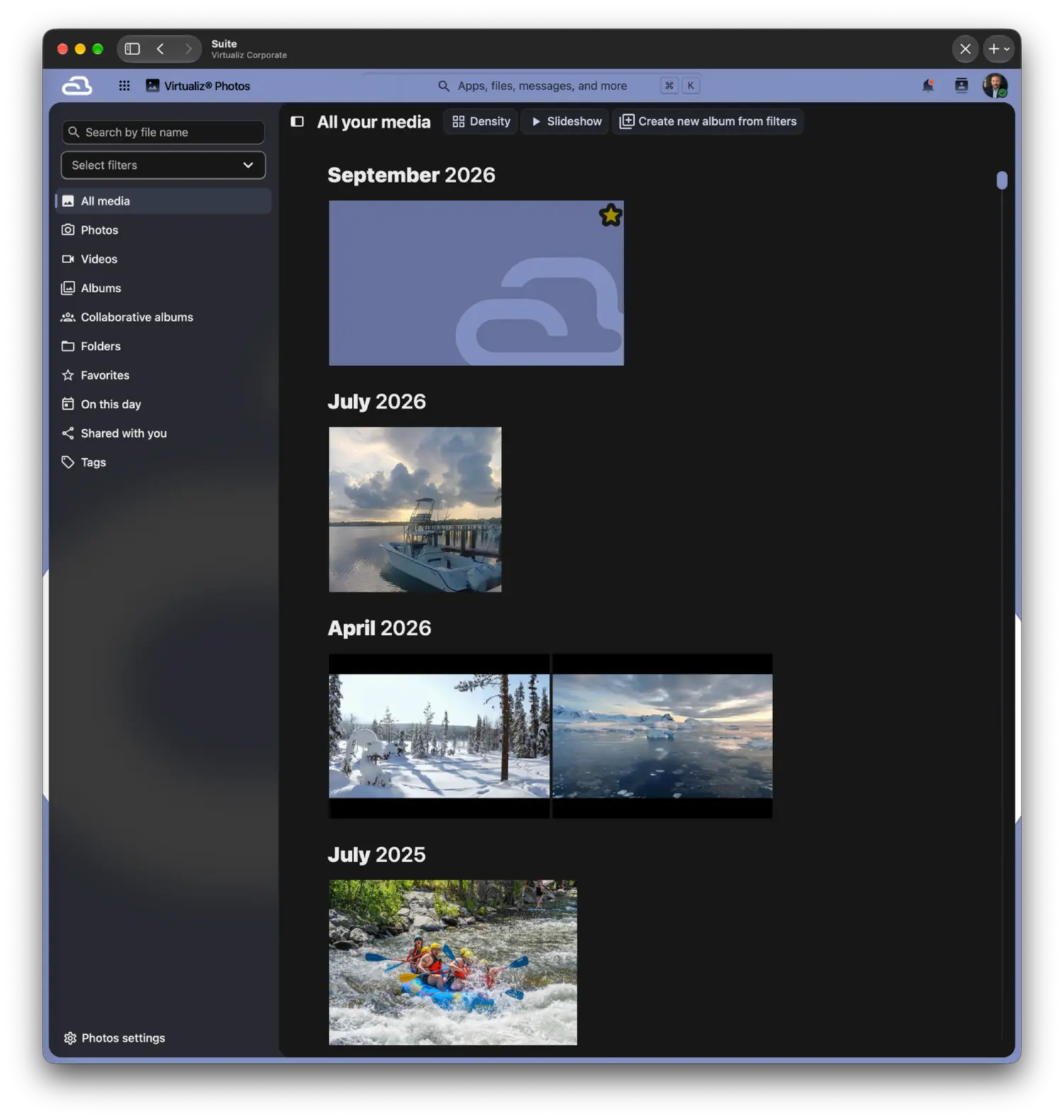
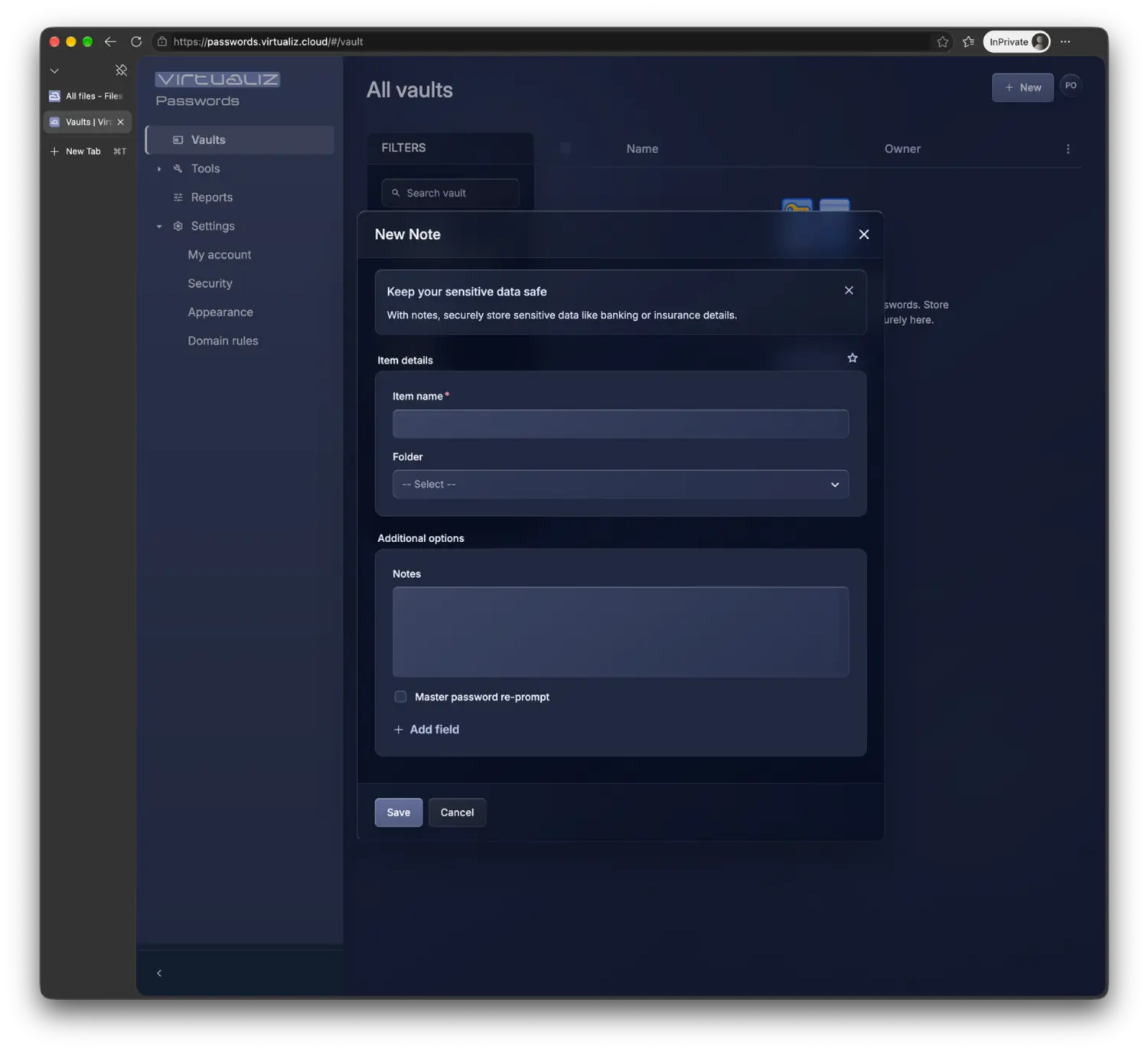
Designed specifically for Windows and macOS, the Virtualiz® Suite desktop apps have their own window and a dedicated place on your taskbar or Dock. Access your organizations and workspaces through an experience designed for each platform.
Screenshots from Virtualiz® Suite for macOS and the Virtualiz® Passwords vault. The interface may evolve; no real credentials are shown.
The desktop app does not replace browser access: it complements it. Enjoy a dedicated desktop experience every day, and open Suite in your browser when you are away from your computer.
Suite has its own window and place on the Dock or taskbar. Find it and return instantly, even with other applications open.
Find authorized workspaces across different companies in one sidebar, with credentials and sessions kept separate for each organization.
Move from Files to documents, conversations and other Suite tools without scattering work across separate browser windows.
If your organization uses Máquina Virtualiz®, open your Windows desktop and applications as another workspace alongside your files and collaboration tools.
Using another computer or away from the office? Access Suite in a compatible browser. On your everyday computer, enjoy the convenience of the app.
Both apps bring together your authorized access and workspaces. Each takes advantage of Windows or macOS to feel right at home.
A desktop app with its own place on the taskbar. Organize Suite and authorized organization workspaces, designed for both personal and managed Windows PCs.
Download for Windows Windows · your desktop workspaceDesigned for macOS 26 or later, with a Liquid Glass interface, a sidebar that brings your organizations together and immediate access to every workspace from your Dock.
Download for macOS Requires macOS 26 or later · Liquid GlassWhen your organization uses Máquina Virtualiz®, your Windows desktop and applications have their own workspace inside the Suite app. Move from files or conversations into a Windows session and back without leaving the same application, with the access your organization subscribes to.
SUITE · WINDOWS APPS · ONE WORKSPACEOn your desktop for focused work. In your browser so you can stay connected from wherever you are. Discover how Virtualiz® Suite brings your team’s tools together in one place.